
Every host's worst check-in
42 seconds
Stop worrying about turnover cleans. Your cleaner stays informed automatically.
Here's how GleamSync keeps everything running between your booking calendar and your cleaner's schedule
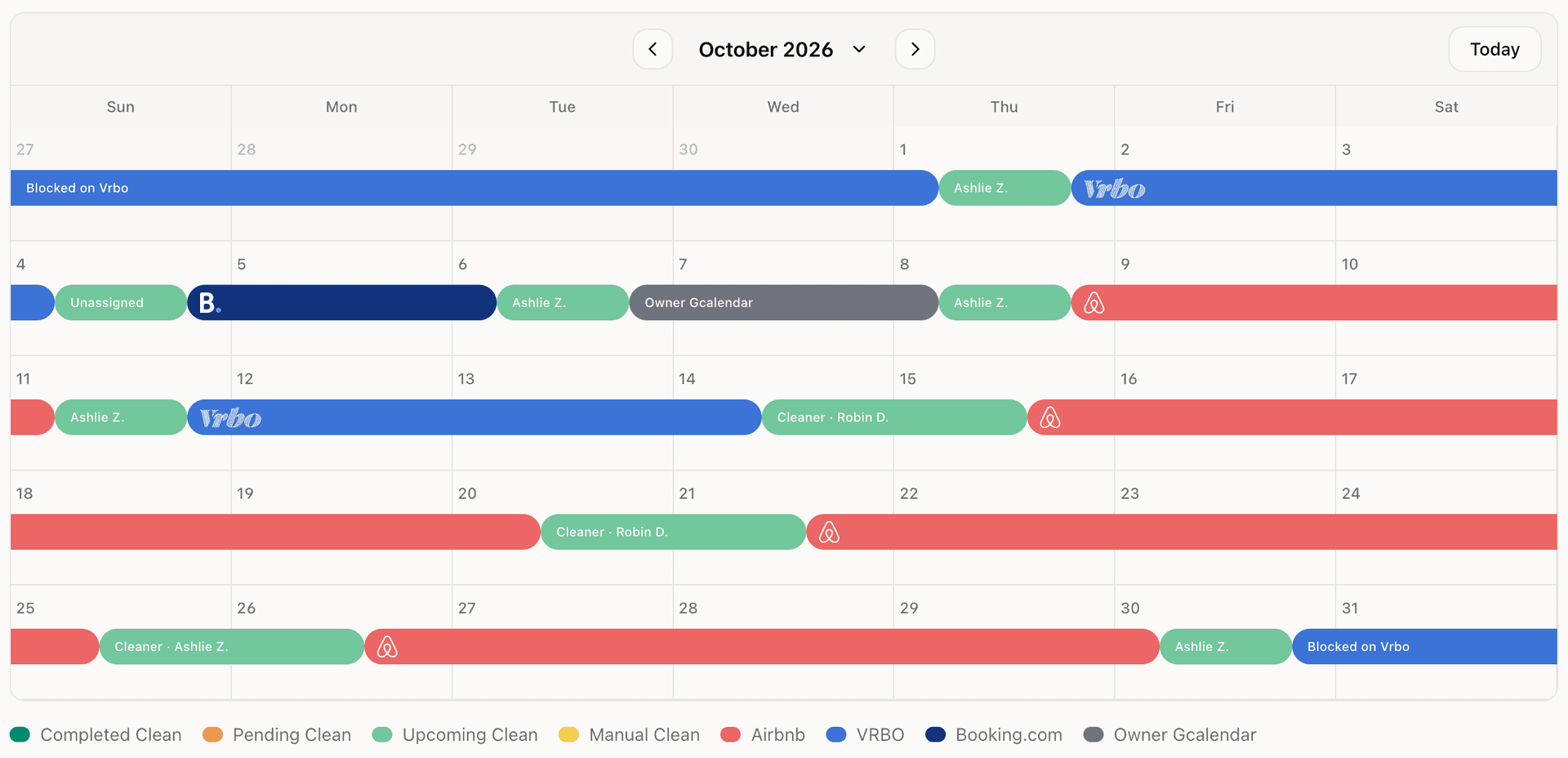
Your bookings show up automatically
Connect Airbnb, VRBO, Booking.com, or any calendar that gives you a link. Bookings import on their own, and new bookings, date changes, and cancellations sync without you doing anything.
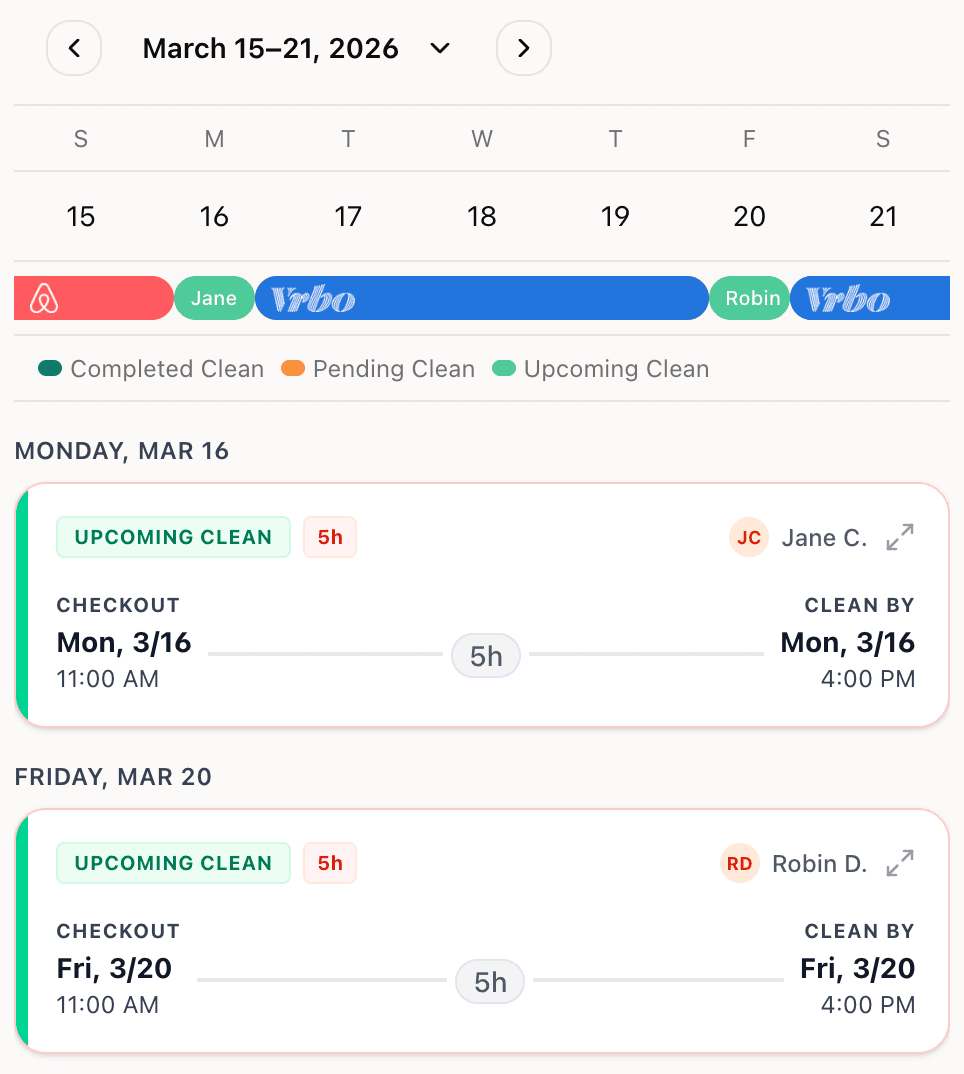
Every clean gets a clear window
Set the preferred clean window between guest checkout and the next check-in. Same-day turnovers are highlighted so nothing gets missed.
Your cleaner gets notified. You don't have to remember.
Upcoming cleans, deadline reminders, and booking changes go straight to your cleaner by email, text (U.S. & Canada), or WhatsApp (worldwide).
Cleaners see everything on their phone
Cleaners see their schedule, mark cleans complete, and sync the schedule to their own calendar. No app to install.
Track fees, add-ons, and payments
Add per-clean notes and one-off charges, track what's owed, and mark cleans paid. You and your cleaner see the same numbers.
Add cleans your calendar doesn't cover
Direct bookings, mid-stay requests, open-date maintenance. Add a clean for any date your calendar doesn't capture, and assign it to any cleaner.
How GleamSync Works
Learn how to automate your turnover cleanings in minutes



Connect Your Calendars
Copy the calendar link from your listing and paste it into GleamSync. Your bookings start syncing automatically. New reservation? Changed dates? Cancellation? GleamSync catches it.
Plus Hostaway, Evolve, OwnerRez, your own Google Calendar for direct bookings, and anything else that gives you a calendar link. No integration to set up and nothing to wait for.
Add Your Cleaners
Enter your cleaner's name, email or phone number, and assign them to your property. Set their rate and the notifications you want them to receive. They don't even need to create an account, though they can if they want to see their full schedule and mark jobs done.
GleamSync takes it from here
Your cleaner gets notified about every upcoming job automatically. If something needs your attention, like a booking change or a clean that hasn't been assigned, you'll hear about it. Otherwise, it just works.
Whether it's one vacation rental or ten, turnover cleaning shouldn't be stressful
You've got a great cleaner. You've got bookings coming in. GleamSync connects the two, replacing the text messages and spreadsheets every time something changes.
- Syncs with Airbnb, VRBO, Booking.com, your property manager, and your own blocked-off dates
- Works for one property or as many as you manage
- Set checkout times, check-in times, and clean deadlines for each property
- Track cleaning fees per property with add-ons for one-off extras
- Choose which of your cleaner's notifications you want copies of
Your Properties


Beach House
Base: $85.00
+ BBQ clean: $25.00
Total: $110.00
Check patio furniture covers
Your cleaner gets their own schedule view
Your cleaner can check what's coming up, mark jobs done, and see what they've earned, all from their phone. They can even subscribe to their schedule in Apple Calendar, Google Calendar, or whatever they use, so your jobs just show up in their day.
- See what's coming up and the details for each job
- Mark a clean done with one tap
- See what they've earned and what's been paid
- Get reminders and updates by email, text, or WhatsApp
- Subscribe to their schedule in any calendar app
Pricing
One plan. Everything included. No surprises.
Start with a 14-day free trial
No feature gates. No transaction fees. Cancel anytime.
- Automatic Airbnb, VRBO & Booking.com calendar sync
- Email, SMS (U.S. & Canada), & WhatsApp (worldwide) notifications
- Mobile-friendly cleaner portal
- Cleaning fee tracking & payment status
- Calendar feed export for any calendar app
- Unlimited cleaners per property
Frequently Asked Questions
Everything you need to know about GleamSync vacation rental cleaning software
Latest from the Blog
Tips, guides, and insights for vacation rental hosts
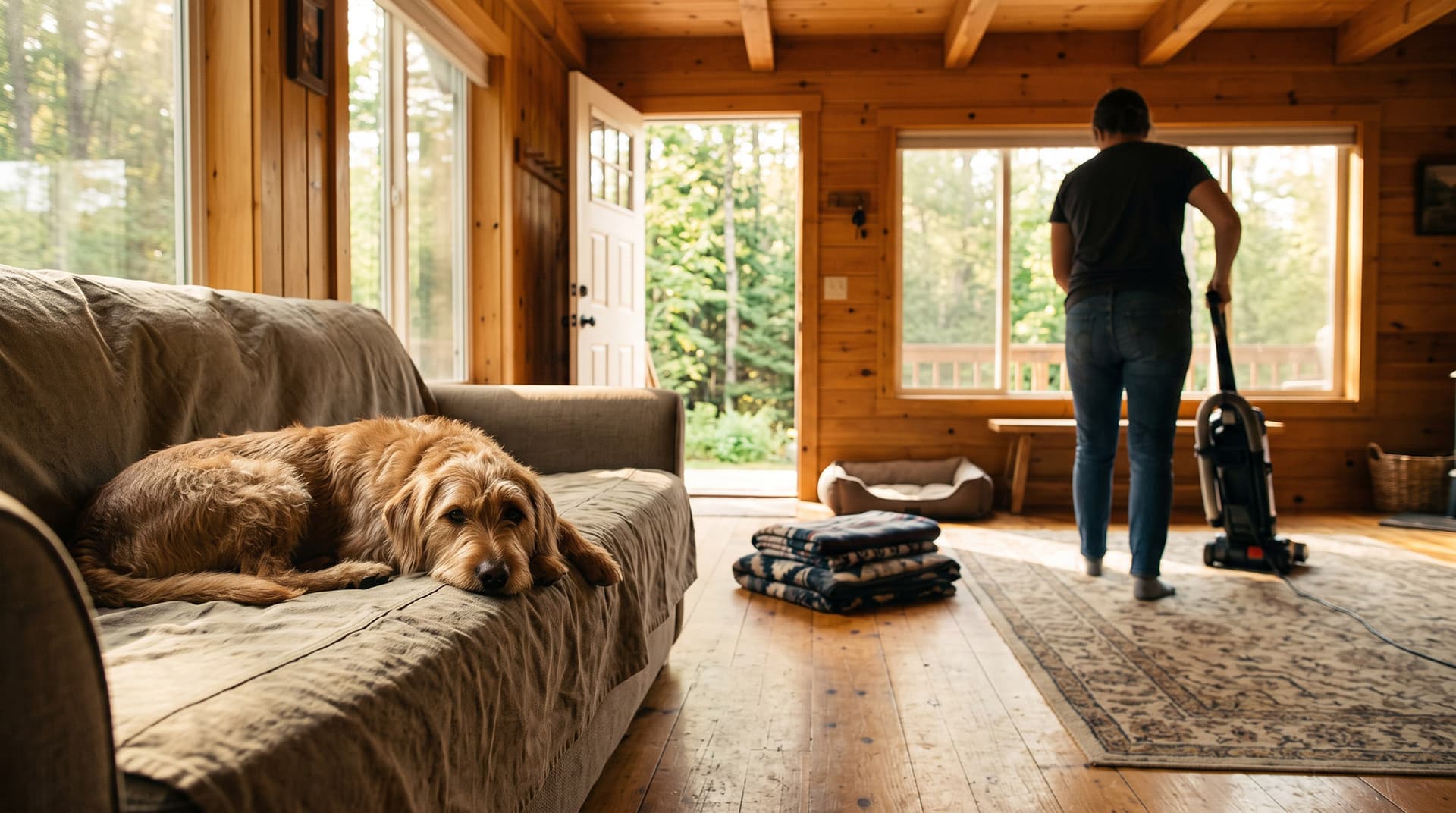
Should you allow pets in your Airbnb? The cleaning side
Should you allow pets in your Airbnb? What a pet stay does to your turnover, how to set a pet fee, what to tell your cleaner, and what to do if one sneaks in.
Read more
Airbnb cleaner no-show: what to do before your guest arrives
Airbnb cleaner no-show on turnover day? Set a deadline, work a backup list, tell the guest early, and fix the gap that caused it. A host's step-by-step plan.
Read more
Guest WiFi marketing for Airbnb hosts: 6 tools compared
Guest WiFi marketing for Airbnb hosts: what it is, where Airbnb's off-platform rules draw the line, what to look for, and six tools compared by who they suit.
Read moreReady to Automate Your Vacation Rental Cleaning?
Start your 14-day free trial. Then $8/month per property.
Start Free Trial