
How to manage cleaning schedules for multiple Airbnb hosts
How to manage cleaning schedules for multiple Airbnb hosts: get every clean into one phone calendar, spot clashes weeks ahead, and fix them before hosts notice.
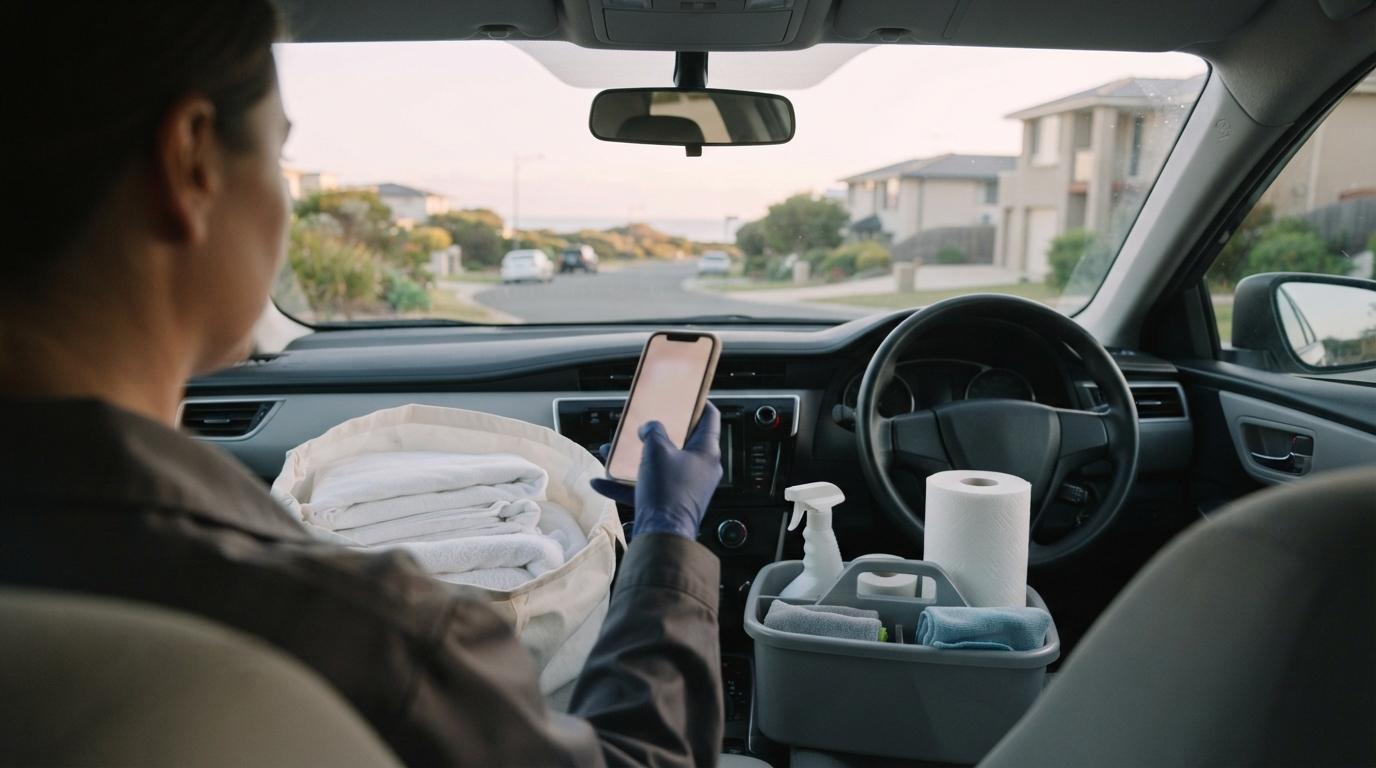
If you clean for more than one Airbnb host, you are running a schedule nobody else can see. Each host knows their own bookings. Only you know that their Saturday checkout lands on the same morning as another host's. Managing cleaning schedules for multiple Airbnb hosts comes down to three things: getting every clean into one place, spotting clashes early, and solving them without making them the host's problem.
I'm Mark, a vacation rental owner in Ucluelet, BC, and I write this from the host's side. My cleaner works for more than one owner, and she keeps every clean in her phone calendar. I'll use her setup throughout, along with what I want, and don't want, from a cleaner as her client.
Why is managing cleaning schedules for multiple Airbnb hosts hard?
Because a host's calendar shows guests, and your calendar has to show work. A host looks at one property and sees who is staying when. You need to see every checkout across every host, in time order, on one screen, along with where each property is.
The usual way it goes wrong is not a dramatic double booking. It's two cleans that each look fine on their own. Host A has a 10am checkout and a 3pm check-in. Host B, across town, has an 11am checkout and a 4pm check-in on the same day. Each host sees a five-hour window. You see two five-hour windows that overlap almost entirely, plus the drive between them.
Nobody else is going to catch that. The hosts can't see each other's calendars, and they shouldn't. It's on you.
Can you use the Airbnb or VRBO calendar link?
You can, but it won't tell you what you need. The calendar link a host exports from Airbnb or VRBO (an iCal link, a web address that calendar apps can read) shows when the property is booked. It shows stays, not cleans.
For my cleaner, the Airbnb or VRBO link from a property wouldn't help, because it doesn't tell her when the cleans are. She would have to look at every booking and work out for herself that the clean falls on the checkout day. Across three or four hosts, that's a lot of mental arithmetic to do correctly every week.
Some hosts add their cleaner to Airbnb as a Co-Host instead. Airbnb's calendar access permission lets a Co-Host view the calendar but not edit it. That gives you a view of one host's Airbnb calendar, inside the Airbnb app, listing by listing. It won't show your other clients next to it, and it still shows stays rather than cleans.
What you want is a calendar feed of cleans, one per property, that you can add to the calendar app you already use.
How do you get every host's cleans into one calendar?
Put everything in your phone's own calendar, with one calendar per property or per host, each in its own colour. There are two ways cleans get in there.
Subscribed calendars. If a host uses a tool that produces a calendar link of cleans, you add that link to your phone once, and it keeps itself up to date. Two of the properties my cleaner looks after, including mine, use GleamSync. She adds each property's GleamSync calendar link to her iPhone calendar, so the cleans from both sit side by side.
On an iPhone, Apple's instructions are to open Calendar, tap Calendars, tap Add Calendar, then Add Subscription Calendar and paste the web address. You can pick a colour for each one when you add it, which is what makes the clashes jump out. Apple's step-by-step guide is in its article on adding calendar subscriptions.
In Google Calendar, Google's own instructions are done on a computer: next to "Other calendars", click the plus sign, choose From URL, paste the link and click Add calendar. The steps are in Google's help article on subscribing to someone else's calendar.
Cleans you type in by hand. Not every host uses a tool. My cleaner's other client doesn't, so she enters those cleans into her phone calendar manually. That's fine, as long as you do it the moment a host confirms a booking with you, not "later tonight." A hand-entered clean you forgot to add is the one that causes the clash.
With all of them in her phone calendar, she gets one view of her whole week. Because the schedules overlap visually, she can tell well ahead of time when two cleans are going to collide.
What should you put on each clean?
The calendar entry only needs enough to plan the day without opening anything else:
- Property name or a short nickname, so you can read it at a glance
- Checkout and check-in times, which give you the actual window
- Extras for that stay (a crib, a high chair, extra beds, a pet)
- What the clean pays, if it varies
Some of this comes in automatically from a host's tool, and some you'll add yourself. The window matters most. A five-hour window and a two-hour window look identical as a block on a calendar unless you've written the times down.
How far ahead should you look?
Far enough that you can still fix a clash without anyone noticing. A booking made well in advance gives you a clash you can see well in advance, as long as the clean is in your calendar.
A simple habit works: once a week, scroll the next month and look for any day with two cleans close together. Then check each one against the drive between properties and how long that clean really takes you. Don't use someone else's rule of thumb for how long a turnover takes. Time your own cleans on a normal day, property by property, and use those numbers.
Then look again whenever a host tells you about a new booking or a change. A change is what turns a quiet day into a collision.
What do you do when two cleans clash?
This depends on one thing: whether you've already agreed to the clean.
If you've already said yes, it's your problem to solve. As a host, I never want to hear that there's a conflict with another client. Once a cleaner has taken on my turnover, how she fits it around her other work is her business, and telling me about another customer's needs is unprofessional. The host hired you to make the clean happen.
My cleaner handles this with helpers. She has a bank of other cleaners she calls on when two jobs land on the same day, and they help each other out. She gets ahead of it, too: because she can see the clash in her calendar well in advance, she lines up help before the day, not on the morning.
If you don't have helpers yet, build that list before you need it. Other cleaners in your area are the obvious place to start. Agree how you'll split the work and the pay, and take each helper through the property first so the host gets the same standard whoever turns up.
If you haven't said yes yet, you can turn it down. That's different. When a host asks whether you can take a clean and you're already fully booked that day, saying no is fine. You haven't committed to anything.
What makes the difference is how you say it. Offer the host a backup: another cleaner you trust who might be free. You've told them you're busy, and you've also helped them solve their problem, which is what they'll remember.
What changes when a booking moves?
Bookings change after you've planned around them. A guest shortens a stay, extends it, or cancels. Each of those can move a clean onto a day that already has one.
This is where a calendar link earns its keep. GleamSync, a vacation rental cleaning coordination tool, reads the iCal calendar feeds from a host's Airbnb and VRBO listings and works out every turnover. It checks them twice a day, at 7am and 7pm property time, and whenever the host presses Sync. Once the host has assigned you a clean, it messages you by email, text or WhatsApp when that booking's dates change or it's cancelled, for cleans in the next month. You don't need an account or an app.
Before using it, I coordinated my cleaner with a shared spreadsheet, and forgetting to update it after a booking change once led to a missed clean. Since switching, a booking change hasn't failed to reach her.
Be clear about the limits, though. A calendar link is not instant. GleamSync checks twice a day, and your phone refreshes subscribed calendars on its own schedule. A change made this morning for a clean this afternoon may not show up in time. For same-day changes, the host still needs to message you directly, and you should expect them to.
Frequently asked questions
How many Airbnb hosts can one cleaner manage?
There's no fixed number. It depends on how many turnovers each host has, how far apart the properties are, how long each clean takes you, and whether you have helpers for busy days. The limit is reached when you can no longer cover your committed cleans yourself or with your helpers, so watch your calendar for days that are getting crowded before you take on another host.
Should I tell a host I'm busy with another client?
Not about a clean you've already agreed to. Once you've said yes, a clash is yours to sort out, usually with a helper, and the host shouldn't hear about it. Before you agree, it's fine to say you're fully booked that day, ideally while suggesting another cleaner who might be free.
Can I just use the host's Airbnb calendar link?
You can, but it shows when guests are staying, not when the cleans are. You'd have to work out every clean date yourself from the checkout days. A calendar of cleans, if the host's tool provides one, saves that work and makes clashes easier to spot.
What if one of my hosts doesn't use any scheduling tool?
Add their cleans to your phone calendar by hand, using the same colour every time, the moment they confirm a booking with you. It's more work than a subscribed calendar, but it keeps everything in one view.
What should I do if a booking changes on the day of the clean?
Talk to the host directly. Calendar links refresh periodically, not instantly, so a same-day change may not reach your phone in time. A short message or call between you and the host is the reliable route for anything happening today.
Related reading
- How to get Airbnb cleaning clients (what hosts look for)
- How to price your Airbnb cleaning services
- Airbnb cleaning contract template
- Why back-to-back Airbnb turnovers go wrong
- How to start an Airbnb cleaning business
See every host's cleans in one calendar
The easiest clash to fix is the one you can see a month out. GleamSync reads your hosts' Airbnb and VRBO calendars, lets them share each property's schedule as a calendar link for your phone, and once you're assigned a clean, messages you when that booking's dates change or it's cancelled. It's free for cleaners, with no account or app needed. Your hosts pay $8 a month per property.
Share this article

Mark Fromson
Founder of GleamSync and vacation rental owner. How these articles are written · Learn more
Related Articles
How to price Airbnb cleaning services: a host's view
How to price Airbnb cleaning services, from a host who pays a cleaner: set a flat rate per turnover, charge for extras and same-day cleans, and get paid fast.
How to get Airbnb cleaning clients: what hosts look for
How to get Airbnb cleaning clients, from a host who hires a cleaner: where hosts look, what makes us say yes, and what keeps you booked season after season.
Get each clean's details before you get there
GleamSync sends you each clean's times, extras and pay from your hosts' calendars. Free for cleaners, with no account or app needed.
See how GleamSync helps cleaners