
What Is iCal Sync? How Airbnb and VRBO iCal Links Work
iCal sync is how Airbnb and VRBO share booking dates. How vacation rental calendar sync works, where to find your Airbnb iCal link, and what it cannot do.
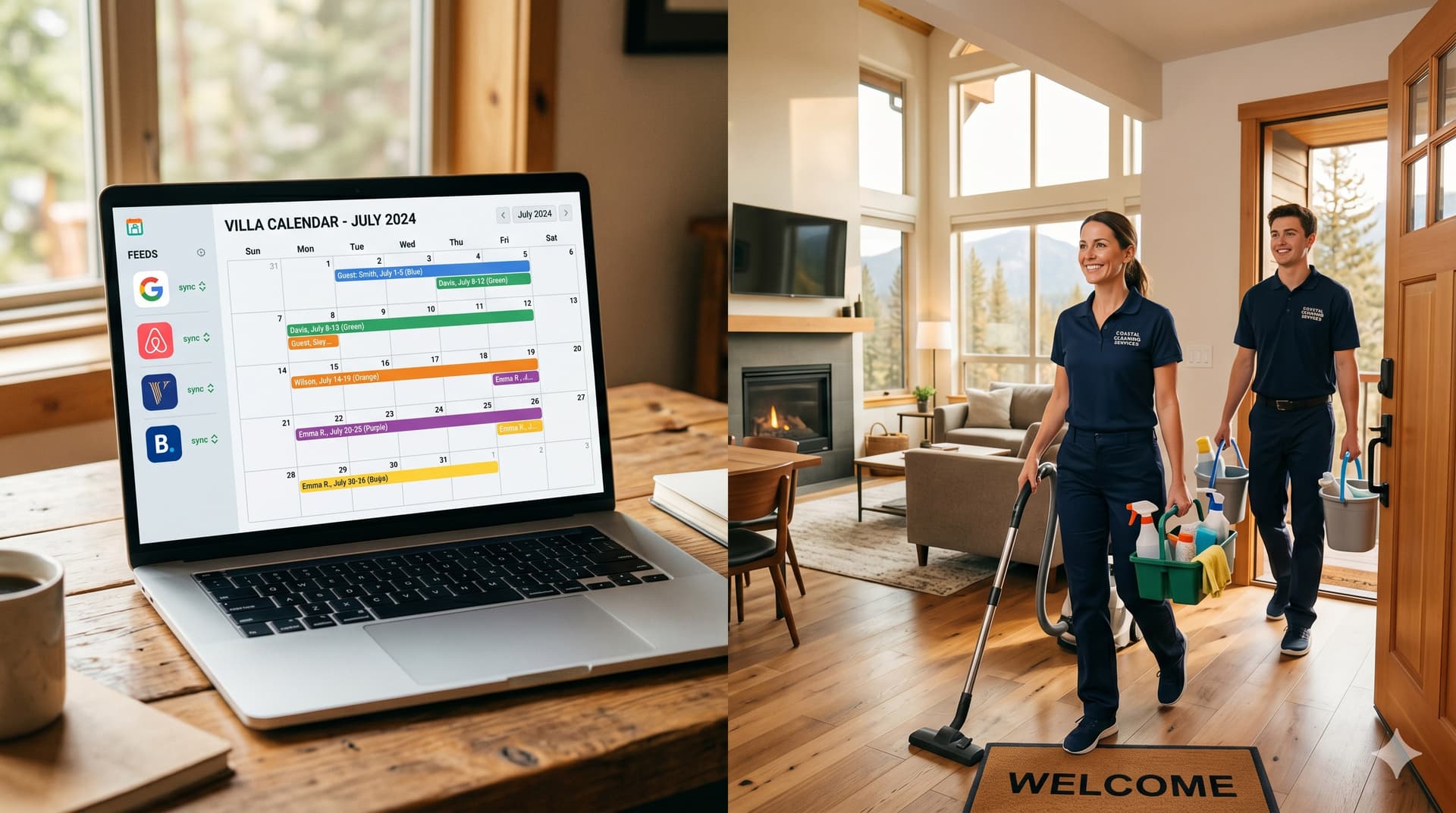
iCal sync is the process of sharing booking calendar data between vacation rental platforms using a universal calendar format called iCalendar (iCal for short). When you list your property on both Airbnb and VRBO, iCal sync is what prevents double bookings by ensuring that dates booked on one platform are automatically blocked on the other.
If you have ever copied a long URL from your Airbnb calendar settings and pasted it into VRBO (or vice versa), you have already used iCal sync. But most hosts set it up once and never think about it again, which means they also never learn about its limitations, or the more advanced things tools can do with the same iCal data.
This article explains what iCal actually is, how Airbnb and VRBO use it, what it can and cannot do, and how cleaning coordination tools like GleamSync use your iCal feeds to solve problems that basic calendar sync was never designed to handle.
What Is iCal and How Does It Work?
iCal, short for iCalendar, is a standardized file format for sharing calendar events between different software systems. It was published as RFC 5545 in 2009 and is supported by virtually every calendar application and booking platform in existence, including Airbnb, VRBO, Booking.com, Google Calendar, Apple Calendar, and Outlook.
An iCal file (with the extension .ics) contains structured event data: a start date, an end date, a summary or title, and optionally a description, location, and status. When Airbnb generates an iCal feed for your listing, each booking becomes an event in the feed with the check-in date as the start and the check-out date as the end.
The key concept is the iCal feed URL. This is a unique web address that Airbnb (or VRBO) generates for each of your listings. Any platform that subscribes to this URL can read the events in the feed and see which dates are booked. When a new booking is made, the feed updates, and the subscribing platform picks up the change on its next poll.
Think of it like an RSS feed for your calendar. The feed publisher (Airbnb) updates the data when bookings change. The feed subscriber (VRBO, Google Calendar, or GleamSync) checks the feed periodically and pulls in the latest information.
How Do Airbnb and VRBO Use iCal?
Both Airbnb and VRBO use iCal in two ways: they export your calendar as an iCal feed (so other platforms can read your bookings), and they import iCal feeds from other platforms (so bookings elsewhere block dates on their calendar).
Airbnb's iCal implementation
Airbnb generates a unique iCal export URL for each listing. You can find it under your listing's Calendar settings in the "Availability" section. The export contains:
- VEVENT entries for each booking, with DTSTART (check-in date) and DTEND (check-out date)
- A SUMMARY field that typically shows "Reserved" or "Not available" (Airbnb does not include guest names in iCal exports for privacy)
- Blocked dates you have manually set also appear as events
- Various non-booking events including preparation time buffers, advance notice blocks, and availability window restrictions
Airbnb also lets you import iCal feeds from other platforms. When you paste a VRBO iCal URL into Airbnb's import field, Airbnb reads the feed and blocks the corresponding dates on your Airbnb calendar.
VRBO's iCal implementation
VRBO works the same way in principle. Each listing has an iCal export URL, and you can import feeds from Airbnb or other platforms. The feed format follows the same iCalendar standard.
The two-way sync requirement
For calendar sync to actually prevent double bookings, you need to set up both directions:
- Export Airbnb's iCal URL and import it into VRBO
- Export VRBO's iCal URL and import it into Airbnb
If you only set up one direction, bookings on the un-synced platform won't block dates on the other. This is the most common setup mistake new multi-platform hosts make.
For step-by-step setup instructions, see our guide on how to sync your Airbnb and VRBO calendars.
What Are the Limitations of iCal Sync?
iCal sync solves the double booking problem, but it has three significant limitations that affect your day-to-day hosting operations: sync delay, missing details, and no operational intelligence.
Limitation 1: Sync delay
iCal is a polling-based system, not a push-based system. The subscribing platform checks the feed on a schedule, not in real time. The delay depends on the platform doing the polling:
| Platform | Typical Polling Interval | What This Means |
|---|---|---|
| Airbnb (importing external feeds) | 1 to 3 hours | A VRBO booking may take up to 3 hours to appear on Airbnb |
| VRBO (importing external feeds) | 2 to 4 hours | An Airbnb booking may take up to 4 hours to appear on VRBO |
| Google Calendar | 12 to 24 hours | Not suitable for operational use. Good for personal overview only. |
| GleamSync | Hourly | Detects booking changes within 1 hour and notifies your cleaner |
This delay means same-day and last-minute bookings carry double-booking risk. A guest books tonight's date on Airbnb at 2 PM, but that block might not appear on VRBO until 5 PM. If another guest books the same night on VRBO during that window, you have a conflict.
Limitation 2: Missing booking details
iCal feeds contain dates and a status label. That is all. They do not include:
- Guest names or contact information
- Check-in and check-out times (only dates, not hours)
- Number of guests
- Which platform the booking came from
- Special requests, notes, or booking modifications
- Pricing or payment information
This means your cleaner cannot get the information they need from an iCal feed alone. They know that "some dates are booked" but not when the guest checks out, when the next guest checks in, or how tight the turnover window is.
Limitation 3: No operational intelligence
Basic iCal sync answers one question: "Are these dates available?" It does not answer:
- "Is there a turnover between these two bookings?"
- "How many hours does my cleaner have between checkout and check-in?"
- "Did a booking just get cancelled, creating a new gap?"
- "Was a reservation extended, eliminating a turnover I already told my cleaner about?"
These are operational questions that require something more than raw calendar data. They require a tool that reads the iCal feed, interprets the booking patterns, and takes action based on what it finds.
How Does GleamSync Use iCal Differently?
GleamSync uses your Airbnb and VRBO iCal feeds as its data source, but it does something fundamentally different from basic platform-to-platform sync. Instead of just blocking dates, GleamSync reads the booking patterns in your feed to compute turnover windows and automatically notify your cleaner.
The process works like this:
- You connect your iCal feed URLs when you add a property to GleamSync (one URL for Airbnb, one for VRBO if you list on both)
- GleamSync polls your feeds hourly and parses every event to identify bookings, cancellations, modifications, and blocked dates
- It computes turnover windows by finding the gaps between consecutive bookings and calculating the exact checkout-to-check-in duration
- It sends your cleaner automated notifications via email and SMS with the property address, checkout time, check-in time, and turnover details
- When bookings change, GleamSync detects the difference on its next poll and sends updated notifications automatically
Your cleaner does not need to install an app, create an account, or learn new software. They receive notifications at their existing email address and phone number.
The distinction matters because it is the difference between "my calendars are synced" (a data problem) and "my cleaner always knows when to show up" (an operations problem). Most hosts solve the first problem and never realize the second problem is what actually causes missed cleans and bad reviews.
For the practical how-to on connecting your calendars, see our guide on how to share your Airbnb calendar with your cleaner.
What Other Tools Use iCal for Vacation Rentals?
iCal is the universal connector in the vacation rental tech stack. Almost every tool in the space reads or writes iCal feeds. Understanding the different approaches helps you choose the right tools for your setup.
| Tool Type | How It Uses iCal | Examples | Best For |
|---|---|---|---|
| Platform-to-platform sync | Blocks dates across Airbnb, VRBO, Booking.com | Built into Airbnb and VRBO | All multi-platform hosts (minimum requirement) |
| Personal calendar view | Read-only view of bookings alongside personal events | Google Calendar, Apple Calendar | Hosts who want a single calendar overview |
| Channel managers | Near-real-time sync across 3+ platforms with booking details | Hostaway, Lodgify, Guesty | Property managers with 10+ listings on 3+ platforms |
| Dynamic pricing tools | Read booking data to optimize nightly rates | PriceLabs, Beyond | Hosts who want automated rate adjustments |
| Cleaning coordination | Read booking patterns to detect turnovers and notify cleaners | GleamSync, Turno | Hosts who need automated cleaner notifications |
The practical takeaway: iCal is the plumbing that connects all these tools. When you set up your iCal export URLs correctly, every tool in your stack can read from the same data source without you entering booking information manually into each one.
Frequently Asked Questions
Is iCal the same as ICS?
Essentially yes. iCal (iCalendar) is the name of the format specification (RFC 5545). ICS (.ics) is the file extension used for iCalendar files. When people say "iCal feed" or "ICS feed," they mean the same thing. Airbnb and VRBO both generate feeds in the iCalendar format with .ics URLs.
Can iCal sync cause double bookings?
Yes, because of the polling delay. iCal sync is not real-time. There is always a window (typically 1 to 4 hours) between when a booking is made on one platform and when it blocks dates on the other. Same-day and last-minute bookings are the highest risk. For step-by-step mitigation strategies, see our calendar sync guide.
Does iCal share guest information between platforms?
No. iCal feeds only contain dates and a basic status label (typically "Reserved" or "Not available"). Guest names, contact information, booking details, and payment information are never shared through iCal. Each platform maintains its own guest data independently. This is by design for privacy and security.
How do I find my Airbnb iCal URL?
In your Airbnb account, go to your listing, then Calendar, then Availability, then scroll to "Connect calendars" or "Import/export calendar." Your iCal export URL is a long link starting with https://www.airbnb.com/calendar/ical/. Copy this URL to import into VRBO, Google Calendar, or any tool that supports iCal.
Why does my Google Calendar sync take so long to update?
Google Calendar polls external iCal feeds very infrequently, sometimes only once every 12 to 24 hours. This makes Google Calendar unreliable for operational use (you cannot depend on it showing today's bookings accurately). It is useful as a personal overview but should not be your cleaner's source of truth. For operational reliability, use a tool with a faster polling interval like GleamSync, which checks your feeds hourly.
Your Calendar Feeds Are Already There. GleamSync Puts Them to Work.
Every Airbnb and VRBO listing already generates an iCal feed. GleamSync reads those feeds, computes your turnover windows, and sends your cleaner automated notifications with the details they need. You connect your feeds once, and your cleaning coordination runs on autopilot from that point forward.
Try GleamSync for $8/month per property, and keep the cleaner who already knows your place.
Start your free trial at gleamsync.com
Related reading:
Share this article

Mark Fromson
Founder of GleamSync and vacation rental owner. Learn more
Related Articles
Airbnb Deep Clean vs. Turnover Clean: When to Do Each
Airbnb deep clean vs turnover clean: what each includes, how often to schedule them, cost comparisons, and how to coordinate both with your cleaner.
How to Become an Airbnb Superhost: The Operational Playbook
A practical guide to earning and keeping Airbnb Superhost status. Covers all four requirements and the operational systems that keep you qualified.
Vacation Rental Maintenance Checklist: A Seasonal Guide
A seasonal vacation rental maintenance checklist for Airbnb and VRBO hosts. Monthly, quarterly, and annual tasks for HVAC, plumbing, safety, and appliances.
Simplify Your Cleaning Coordination
Sync Airbnb, VRBO, Booking.com or any calendar with a link, notify your cleaners automatically, and never miss a turnover.
Start Free Trial