
How to Screen Airbnb Guests Before Accepting a Booking
How to screen Airbnb guests before accepting a booking. Red flags, verification settings, booking requirements, and how to decline without penalty.
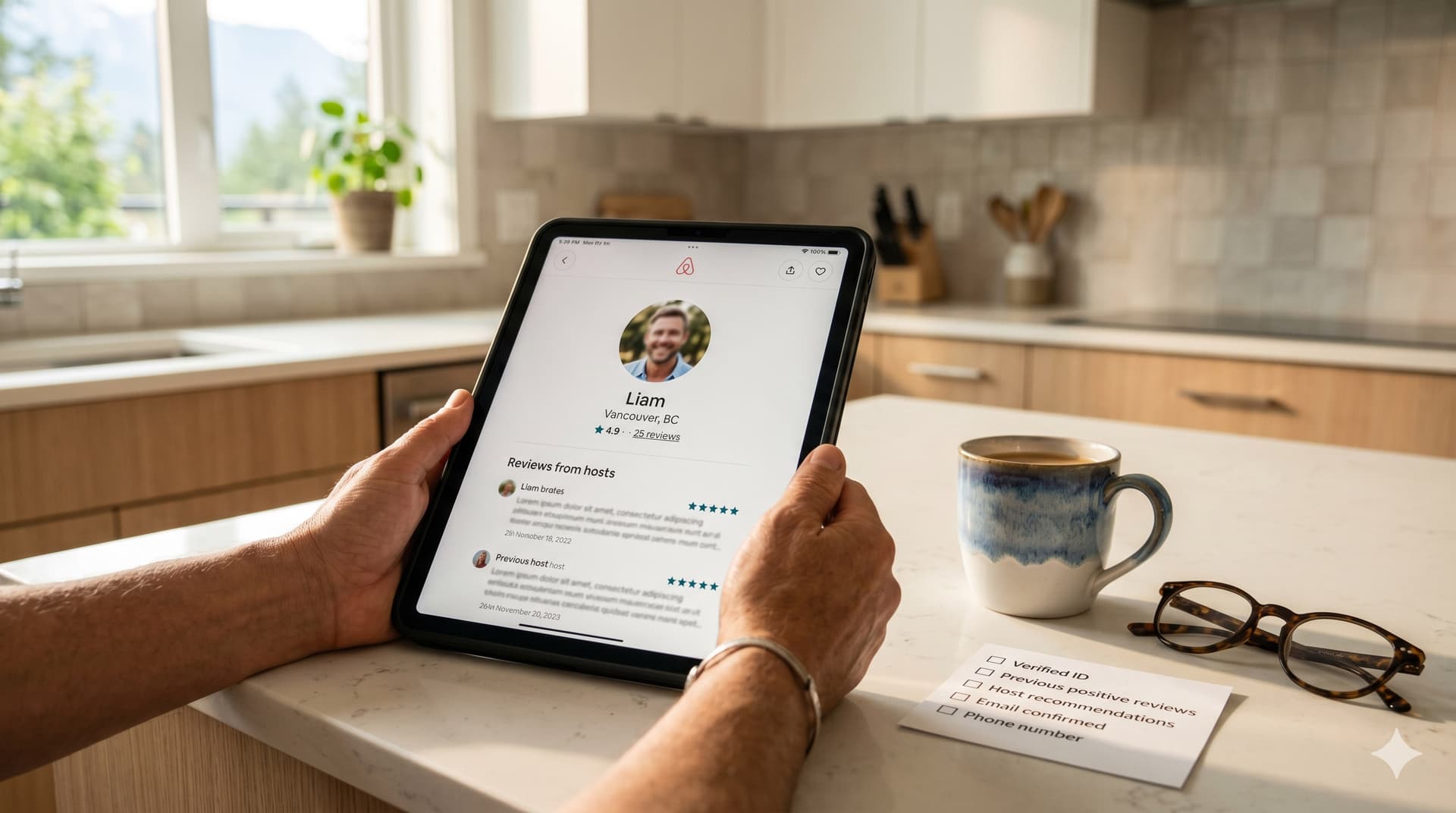
Guest screening is the process of evaluating a booking request or guest profile before accepting a reservation. It is your first line of defense against unauthorized parties, property damage, guest scams, and house rule violations. Done well, it prevents problems. Done poorly (or not at all), it leaves you relying entirely on reactive measures like damage claims and review disputes after the damage is already done.
Most hosts fall into one of two camps: they accept every booking without looking (relying on volume and hope), or they overthink every request and decline anyone who seems "off" (losing revenue and damaging their acceptance rate). The right approach is in between: set up automated screening criteria that filter out the obvious risks, and apply manual judgment only for the edge cases that make it past the filters.
This guide covers how to configure Airbnb's built-in screening tools, the specific red flags to watch for, how to ask pre-booking questions without being intrusive, and when to decline versus accept a booking that feels uncertain.
What Screening Tools Does Airbnb Offer?
Airbnb provides several built-in screening features that work automatically without you needing to evaluate every guest manually.
Verified ID
Airbnb's identity verification requires guests to provide a government-issued ID (passport, driver's license, or national ID card) that Airbnb verifies against their profile. You can require verified ID as a booking condition.
How to enable: Go to your listing's booking settings and turn on "Require identification verification from guests." This prevents unverified guests from booking your property through Instant Book.
Instant Book settings
Instant Book lets guests book without sending a request you need to approve. Many hosts avoid it because they want to vet every guest. The better approach: enable Instant Book with filters that do the vetting for you.
Recommended Instant Book settings:
- Require government ID verification: On
- Require positive review history: On (guests must have at least one positive review from a previous host)
- Allow experienced guests only: Optionally restrict to guests with 3+ reviews
These settings mean a new guest with no ID and no reviews cannot Instant Book your property. They can still send a booking request, which you can evaluate manually.
Booking request messages
When a guest sends a booking request (rather than Instant Book), you can review their profile and message before accepting. Airbnb shows you: their profile photo, verification status, review history from other hosts, how long they have been on the platform, and their introductory message.
What Are the Red Flags to Watch For?
Not every red flag means "decline." But multiple red flags on the same booking should raise your attention.
| Red Flag | Risk Level | What It Might Indicate | Action |
|---|---|---|---|
| New profile, no reviews, no photo, no verification | Medium | Could be a legitimate first-time guest or a throwaway account | Ask a pre-booking question. Evaluate the response. |
| One-night Saturday booking for a large property | High | Party booking | Message asking about the purpose of the stay. Consider declining. |
| Guest count of 1-2 for a 4+ bedroom property | High | Hiding actual guest count (party planning) | Ask who will be staying and clarify max occupancy. |
| Local guest (lives in the same city as your property) | Medium | Sometimes legitimate (home renovation, family visiting). Sometimes party. | Ask what brings them to book locally. Most legitimate guests explain easily. |
| Guest immediately asks about late checkout, extra guests, or event policies | Medium | Planning something beyond a standard stay | Restate your house rules clearly. Evaluate their response. |
| Guest wants to communicate off-platform (phone, email, WhatsApp) | High | Avoiding Airbnb's record-keeping for potential scam or dispute | Keep all communication on Airbnb. Do not share personal contact info. |
| Previous reviews from other hosts mention rule violations, cleanliness issues, or damage | High | Pattern of problematic behavior | Decline the booking. Past behavior is the best predictor. |
| Guest asks for a discount before or immediately after booking | Low-Medium | May be setting up a refund scam (discount denied, books anyway, complains) | Politely decline the discount. If they book anyway, monitor closely. |
For detailed coverage of guest scam patterns, see our Airbnb guest scams guide.
How Do You Ask Pre-Booking Questions Without Being Intrusive?
The most effective screening question is simple: "What brings you to the area?" It is conversational, non-invasive, and gives the guest an easy opening if they are legitimate. Guests planning a family vacation, a work trip, or a weekend getaway answer this question without hesitation. Guests planning something they should not be planning tend to give vague, evasive, or non-responses.
Good pre-booking questions
- "What brings you to [city/area]?" (general screening)
- "How many guests will be staying at the property?" (occupancy verification)
- "Will you be arriving around [your check-in time]?" (establishes expectations)
- "Have you stayed at an Airbnb before?" (for new profiles, gauges familiarity)
Questions to avoid
- "Are you planning a party?" (puts them on the defensive and guarantees a "no" answer regardless)
- Anything about their personal life, demographics, or reasons for traveling beyond the general question (Airbnb's nondiscrimination policy prohibits screening based on protected characteristics)
- Excessive interrogation (3+ questions before accepting a booking feels hostile and damages your acceptance rate)
How to handle non-responses
If a guest does not reply to your pre-booking question within 12 to 24 hours, that itself is informative. Legitimate guests who are excited about their trip typically respond quickly. You can let the request expire (Airbnb gives you 24 hours to respond to booking requests) or decline with a note: "We were not able to confirm details about your stay. You are welcome to rebook with a brief message about your trip."
When Should You Decline a Booking?
Declining a booking request does not count against your Superhost cancellation rate. Only cancellations of confirmed reservations count. So you can decline requests freely without metric risk.
Decline when:
- The guest's review history from other hosts mentions damage, rule violations, or cleanliness issues
- Multiple red flags are present on the same booking (one-night Saturday, 1 guest in a large property, new profile, no message)
- The guest refuses to answer a reasonable pre-booking question
- The guest wants to communicate exclusively off-platform
- You have a strong gut feeling that something is not right (experienced hosts learn to trust this)
Accept when:
- The guest is new but has verified ID, sent a friendly message, and answered your question
- A single minor red flag is present but everything else looks normal
- The guest has positive reviews from other hosts, regardless of other factors
When declining, always select a reason from Airbnb's options ("dates not available," "not comfortable with the reservation," etc.) and optionally send a brief message: "Thank you for your interest. Unfortunately, I am not able to accommodate this booking. I hope you find a great place for your trip."
How Does Guest Screening Fit Into Your Protection Stack?
Guest screening is preventative. It reduces the chance of a problem. But it does not eliminate risk entirely. Some problematic guests have great profiles and review histories. Your full protection stack works in layers:
- Before the stay: Guest screening filters out obvious risks
- Access control: Smart locks with unique codes per guest. Access logs track who enters and when.
- During the stay: Noise monitors detect party-level noise. Automated mid-stay messages check in with the guest.
- After the stay: Your cleaner arrives promptly after checkout (via GleamSync notifications), discovers any damage, and documents it with photos before the next guest checks in.
- Claims and recovery: Resolution Center and AirCover for damage. Review removal for retaliatory reviews.
Each layer catches what the previous one missed. Screening prevents most issues. Smart locks and noise monitors catch misuse during the stay. Your cleaner's prompt arrival catches damage after checkout. And the claims process handles the financial recovery.
Frequently Asked Questions
Does declining a booking hurt my Airbnb ranking?
Declining booking requests does not directly penalize your search ranking or Superhost status. However, a very low acceptance rate may reduce your visibility over time because Airbnb prioritizes hosts who are easy to book with. The solution: use Instant Book with appropriate filters so most bookings are accepted automatically, and you only need to manually evaluate the edge cases that come through as requests.
Should I avoid Instant Book to screen guests better?
No. The better approach is to enable Instant Book with screening filters (verified ID, positive reviews). This gives you the search visibility boost that Instant Book provides while still filtering out the highest-risk profiles. Guests who do not meet your Instant Book requirements can still send a booking request, which you evaluate manually.
Can I reject a guest based on their profile photo?
No. Airbnb's nondiscrimination policy prohibits declining guests based on race, ethnicity, age, gender, sexual orientation, religion, disability, or national origin. Your screening should be based on verification status, review history, communication quality, and booking patterns, never on appearance or demographics.
What if I accept a booking and then realize the guest is problematic?
If the guest has not checked in yet and you discover a red flag (e.g., a social media post planning a party at your address), contact Airbnb Support immediately. They can assist with cancellation without penalizing your metrics if there is a legitimate safety concern. Do not cancel the reservation yourself unless Airbnb Support advises it.
How do I handle third-party bookings (someone booking for a friend)?
Third-party bookings violate Airbnb's terms of service. If a guest asks to book on behalf of someone else, politely decline and ask the actual guest to create their own profile and book directly. This protects you because the person staying has no agreement with Airbnb's terms, is not verified, and may not be covered by AirCover if something goes wrong.
Screening Catches Problems Before They Start. Your Cleaner Catches What Gets Through.
Even with the best screening, some issues only surface after the guest leaves. Your cleaner is the person who discovers the damage, documents the condition, and reports back. GleamSync makes sure they arrive on time, every time.
Try GleamSync for $8/month per property, and keep the cleaner who already knows your place.
Start your free trial at gleamsync.com
Related reading:
Share this article

Mark Fromson
Founder of GleamSync and vacation rental owner. Learn more
Related Articles
Airbnb Deep Clean vs. Turnover Clean: When to Do Each
Airbnb deep clean vs turnover clean: what each includes, how often to schedule them, cost comparisons, and how to coordinate both with your cleaner.
How to Become an Airbnb Superhost: The Operational Playbook
A practical guide to earning and keeping Airbnb Superhost status. Covers all four requirements and the operational systems that keep you qualified.
Vacation Rental Maintenance Checklist: A Seasonal Guide
A seasonal vacation rental maintenance checklist for Airbnb and VRBO hosts. Monthly, quarterly, and annual tasks for HVAC, plumbing, safety, and appliances.
Simplify Your Cleaning Coordination
Sync Airbnb, VRBO, Booking.com or any calendar with a link, notify your cleaners automatically, and never miss a turnover.
Start Free Trial